


行业解决方案
查看所有行业解决方案
IDA 用于解决软件行业的关键问题。
发布时间:2022-09-28 15: 10: 46
IDA is an interactive disassembler, which means that the user takes active participation in the disassembly process. IDA is not an automatic analyzer of programs. IDA will give you hints about suspicious instructions, unsolved problems etc. It is your job to inform IDA how to proceed.
If you are using IDA for the very first time, here are some commands that you will find very useful:
- convert to instruction : the hotkey is "C" - convert to data : the hotkey is "D"
All the changes that you made are saved to disk. When you run IDA again, all the information on the file being disassembled is read from the disk, so that you can resume your work.
For other commands please refer to the menu system and the help.
展开阅读全文
︾
 400-8765-888
 kefu@makeding.com
专业销售为您服务

读者也喜欢这些内容:
IDA Pro调试器参数在哪里设置 IDA Pro调试会话总是断开怎么办
遇到调试跑不起来或会话频繁断开,很多时候并不是断点没下对,而是调试器类型没选对,进程参数与远程连接信息没填完整,或者调试服务器只允许单会话导致被动断开。把参数入口找准,再按固定顺序排查输出日志与连接链路,通常能把问题迅速收敛到一两处设置上。...
阅读全文 >
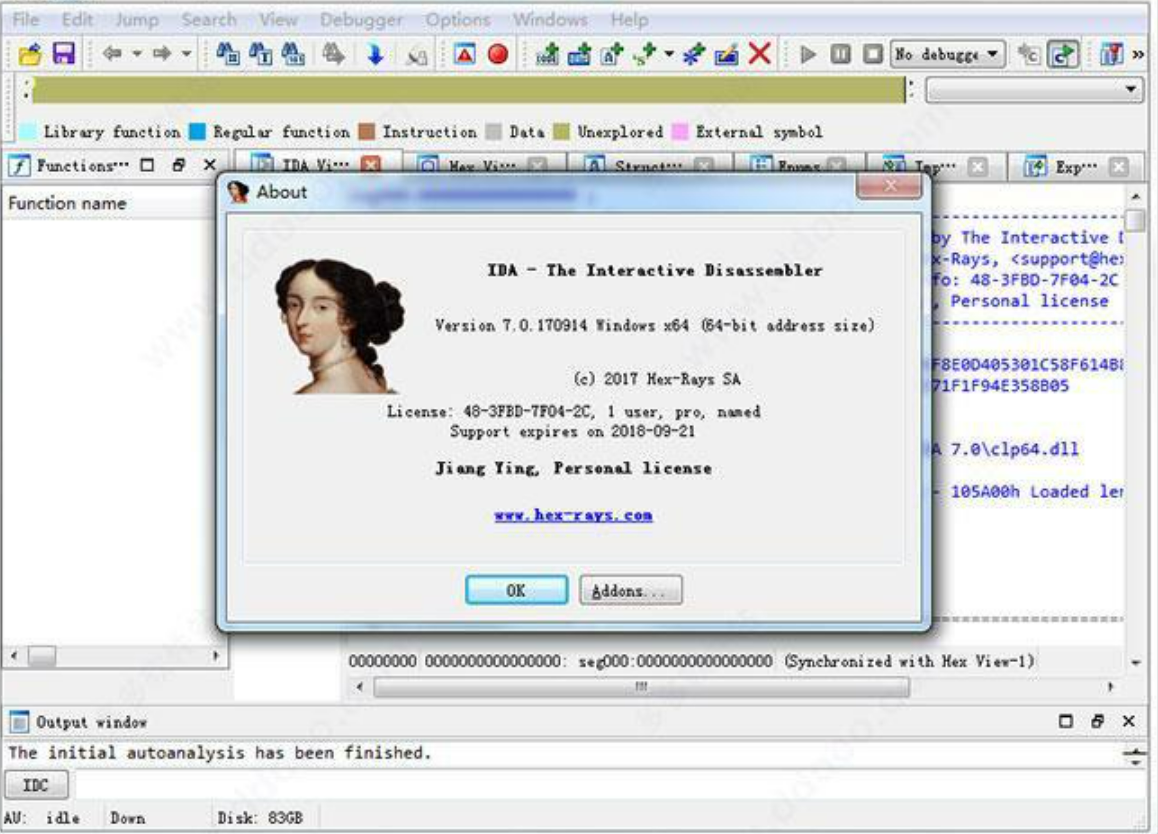
IDA Pro如何分析ARM架构代码?IDA Pro如何分析x86架构代码?
IDA Pro非常强大,也非常好用,但很多朋友使用时会遇到IDA Pro如何分析ARM架构代码?IDA Pro如何分析x86架构代码的问题,这篇文章就将帮你解决这两个问题,让你看完就能试试。...
阅读全文 >
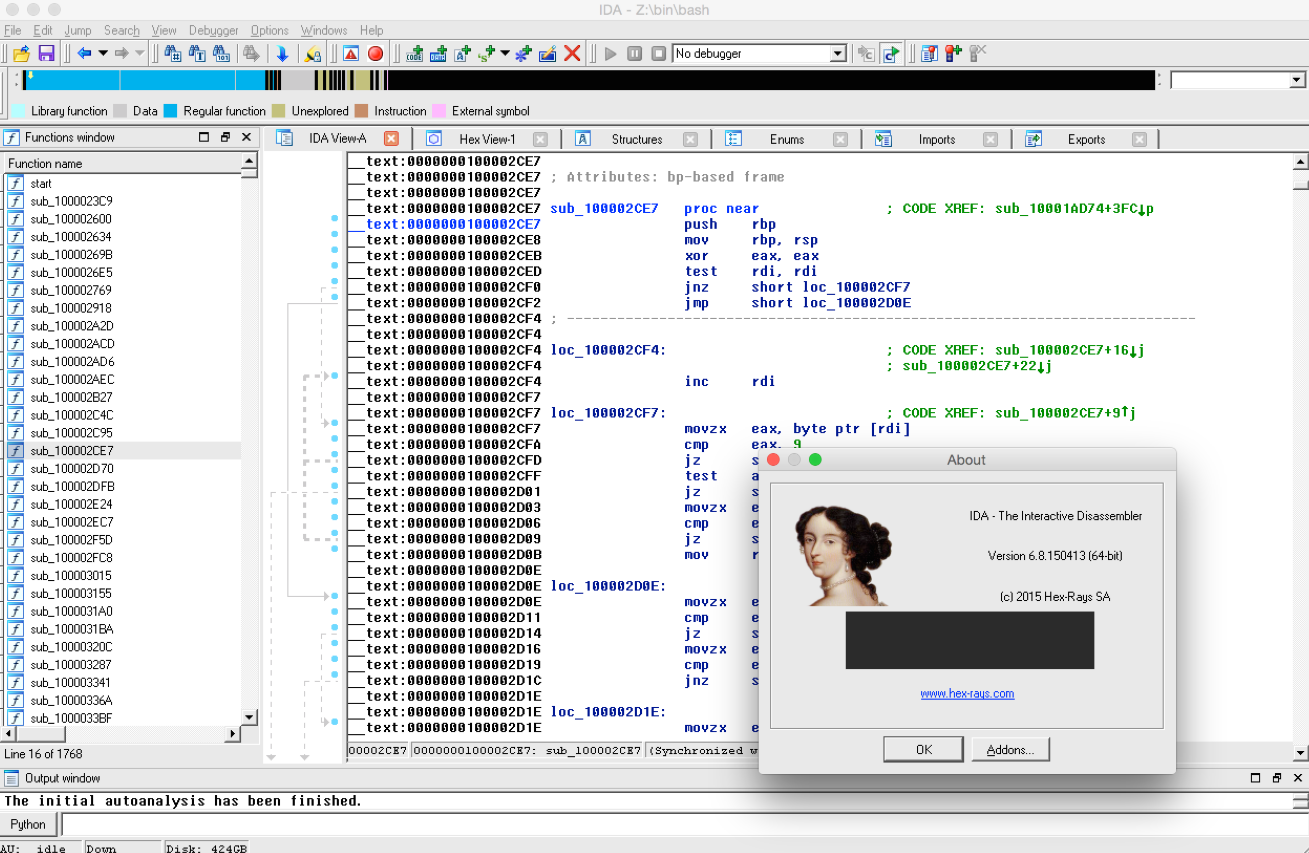
IDA Pro脚本怎么编写?IDA Pro如何自动化反编译任务?
如果你是从事逆向工程或者恶意软件分析的朋友,应该对IDA Pro这款工具不陌生,IDA Pro有强大的脚本功能,通过它你可以自动化很多工作,省时省力。今天,我们就来聊一聊IDA Pro脚本怎么编写?IDA Pro如何自动化反编译任务?让工作效率更高!...
阅读全文 >
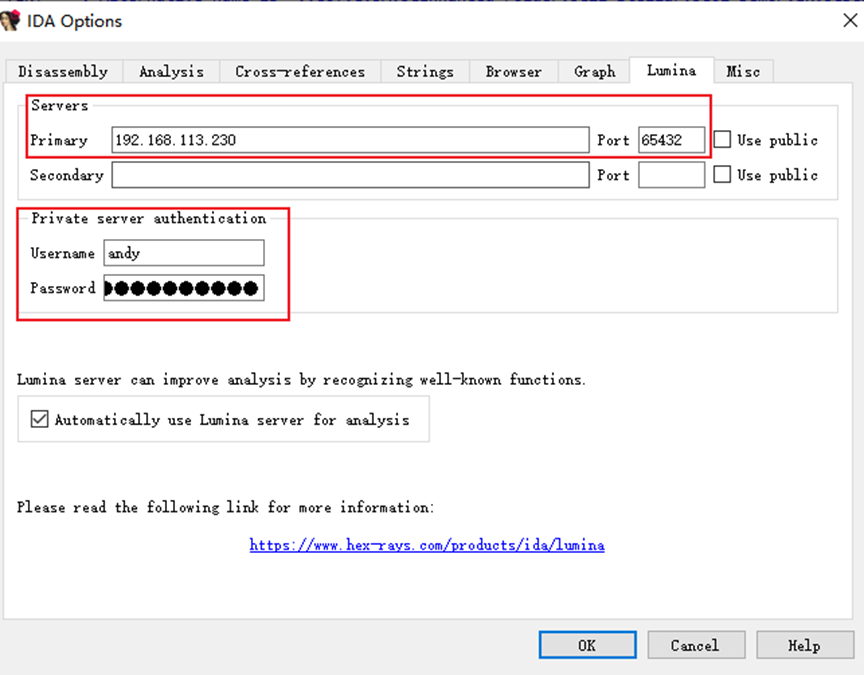
安装Lumina服务器和导入许可指南
安装Lumina服务器和导入许可指南...
阅读全文 >
 汽车安全
汽车安全  金融保险
金融保险  游戏开发
游戏开发  网络安全与防护
  工业4.0应用升级产业
  渗透测试
渗透测试  教育
教育  知识产权
知识产权 司法鉴定
司法鉴定 